 By admin_redactor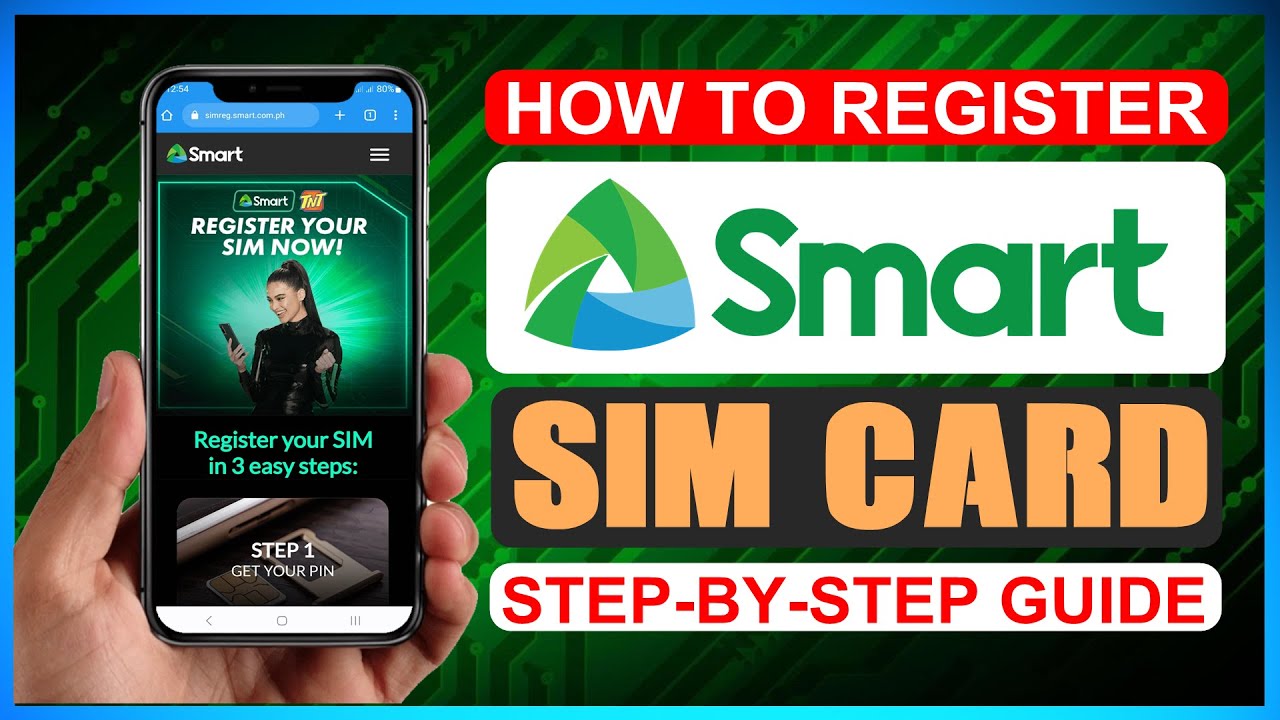
Smart SIM Card Activation: A Comprehensive Guide
Smart SIM card activation can seem like a daunting task, but with this comprehensive guide, you’ll be connected in no time. This article will walk you through the simple steps to activate your new Smart SIM card, ensuring you can take full advantage of its services. Whether you’re a new subscriber or switching to a Smart SIM, understanding the activation process is key to a seamless mobile experience.
Activating Your Smart SIM Card: Step-by-Step
Getting your Smart SIM card up and running is a straightforward process. Below, we outline the essential steps to ensure a successful activation.
Step 1: Prepare Your Device and SIM
Before you begin, ensure your device is compatible with a Smart SIM card and that you have the SIM card readily available. Locate the SIM tray on your smartphone or device and gently eject it. Place the Smart SIM card into the designated slot, ensuring it’s oriented correctly.
Step 2: Insert the SIM and Power On
Once the SIM card is securely in place, reinsert the SIM tray into your device. Power on your smartphone or device. You should see an indicator on your screen that a SIM card has been detected.
Step 3: Follow On-Screen Prompts
Your device will likely guide you through the initial setup process. This may include selecting your network preferences and, crucially, initiating the SIM activation. Look for options related to “SIM card activation” or “Network setup.”
Smart SIM Activation Methods
Smart offers several convenient methods to activate your SIM card, catering to different user preferences and situations.
Method 1: Via SMS
One of the most common and user-friendly methods is through SMS. Simply compose a new message and follow the specific activation format provided by Smart. This often involves typing a keyword and sending it to a designated number.
A typical SMS activation might look like: “ACTIVATE
” sent to 2878. Always check the official Smart website or your SIM packaging for the most current instructions.
This method is quick and requires no internet connection, making it accessible for many users.
Method 2: Via USSD Code
Another quick activation method involves using a USSD (Unstructured Supplementary Service Data) code. Dial the specific USSD code provided by Smart on your phone’s dialer. This will bring up a menu on your screen where you can select the activation option and follow the prompts.
Using USSD codes is efficient as it directly interacts with the network.
Method 3: Via Smart App or Website
For a more guided experience, Smart often provides dedicated mobile apps or a website portal. After inserting your SIM, you can download the Smart app or visit their official website on another device. Navigate to the activation section and enter the required details, such as your SIM serial number and personal information.
| Method | Requirements | Pros |
|---|---|---|
| SMS | Valid SIM, basic phone functionality | Simple, no internet needed |
| USSD Code | Valid SIM, dialer access | Fast, direct network interaction |
| App/Website | Valid SIM, internet access | Guided process, additional features |
Troubleshooting Common Activation Issues
While the activation process is generally smooth, occasional issues may arise. Here are some common problems and their solutions.
- SIM not detected: Ensure the SIM card is correctly inserted. Try restarting your device. If the problem persists, the SIM might be faulty, and you may need to request a replacement.
- Activation SMS/USSD not working: Double-check the keyword, number, or USSD code for any typos. Ensure you have a stable network signal. Sometimes, a brief waiting period is required before activation commands are processed.
- Network issues after activation: If you’ve activated the SIM but still can’t make calls or use data, try toggling airplane mode on and off. You may also need to manually select the Smart network in your device’s network settings.
It’s always a good idea to keep your proof of purchase or SIM packaging handy, as it contains important details like the SIM serial number.
Frequently Asked Questions
What information do I need to activate my Smart SIM?
Typically, you’ll need the 11-digit SIM serial number, which can be found on your SIM card packaging or the card itself. Depending on the method and Smart’s policies, you might also be asked for personal details like your name, address, and date of birth for registration purposes.
How long does Smart SIM activation take?
In most cases, Smart SIM activation is instant or takes only a few minutes after following the correct procedure. If you experience delays, it’s usually best to wait a short while and then try restarting your device. If activation is still pending after an hour, contact Smart customer support.
Can I activate a Smart SIM card for someone else?
Generally, you can only activate a SIM card for yourself using your own details. Some special cases or business accounts might allow for third-party activation, but for standard consumer SIMs, personal registration is usually required to comply with regulations.
Conclusion
Activating your Smart SIM card is a crucial first step towards enjoying all the mobile services Smart has to offer. By following the detailed steps and utilizing the various activation methods, you can ensure a quick and hassle-free experience. Remember to keep your SIM details handy and don’t hesitate to reach out to Smart customer support if you encounter any persistent issues. With your Smart SIM now active, you’re ready to connect, communicate, and explore the digital world. Enjoy seamless connectivity and the wide range of services available to you as a Smart subscriber.